

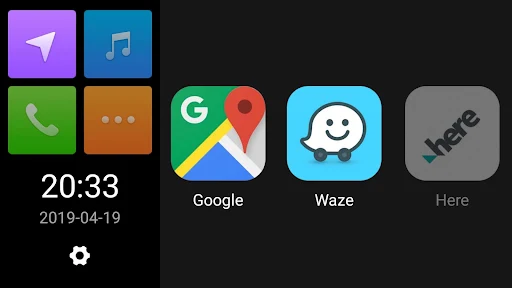
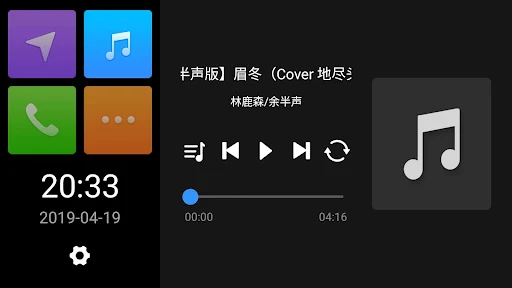
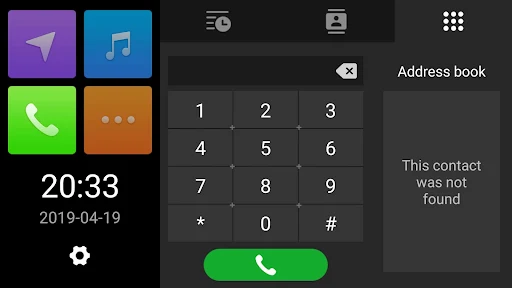
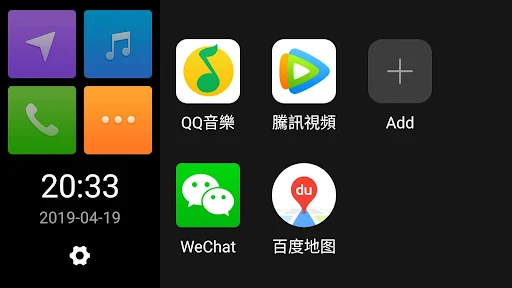
QDLink is an app designed to bridge your mobile phone with your car’s built-in display. It enables you to project your phone’s screen onto the car’s display using a mirror function, making your mobile content accessible in a vehicle-friendly format. A key capability of QDLink is its two-way operational support, allowing you to control the car’s display via your mobile phone and, conversely, operate your phone through the car’s screen, offering a more integrated experience for accessing various entertainment and communication features while driving.
Screen Mirroring and Two-Way Control
The app’s primary function is to mirror your mobile phone’s screen directly onto your car’s built-in display. This allows for a visual extension of your phone’s interface to a larger, in-car screen. Beyond simple projection, QDLink supports interactive control in both directions. You can navigate and interact with the content shown on your car’s display using your mobile phone, and critically, you can also operate your phone’s functions by interacting with the car’s display itself. This bidirectional control facilitates access to your phone’s entertainment, communication, and other features.
AccessibilityService API Use
QDLink utilizes the Android AccessibilityService API specifically to enable the reverse operation of your phone through the car screen when using WiFi screen projection. This means the app leverages this API solely for the purpose of allowing you to control your mobile device from the car’s interface. The developer states that this functionality is implemented without collecting sensitive data or interfering with other applications on your device.
Compatibility Update
Recent updates to the app include support for Android 16, broadening its compatibility with various Android devices.




Write a review